
A better live TV guide
See what is on now and what follows, from XMLTV or your Xtream account. Set a reminder from the guide and the television tells you when it starts.
Turn your Samsung Smart TV into a proper media experience. Browse the playlists you already have with a real programme guide, film posters, favourites and an interface built for a remote control.
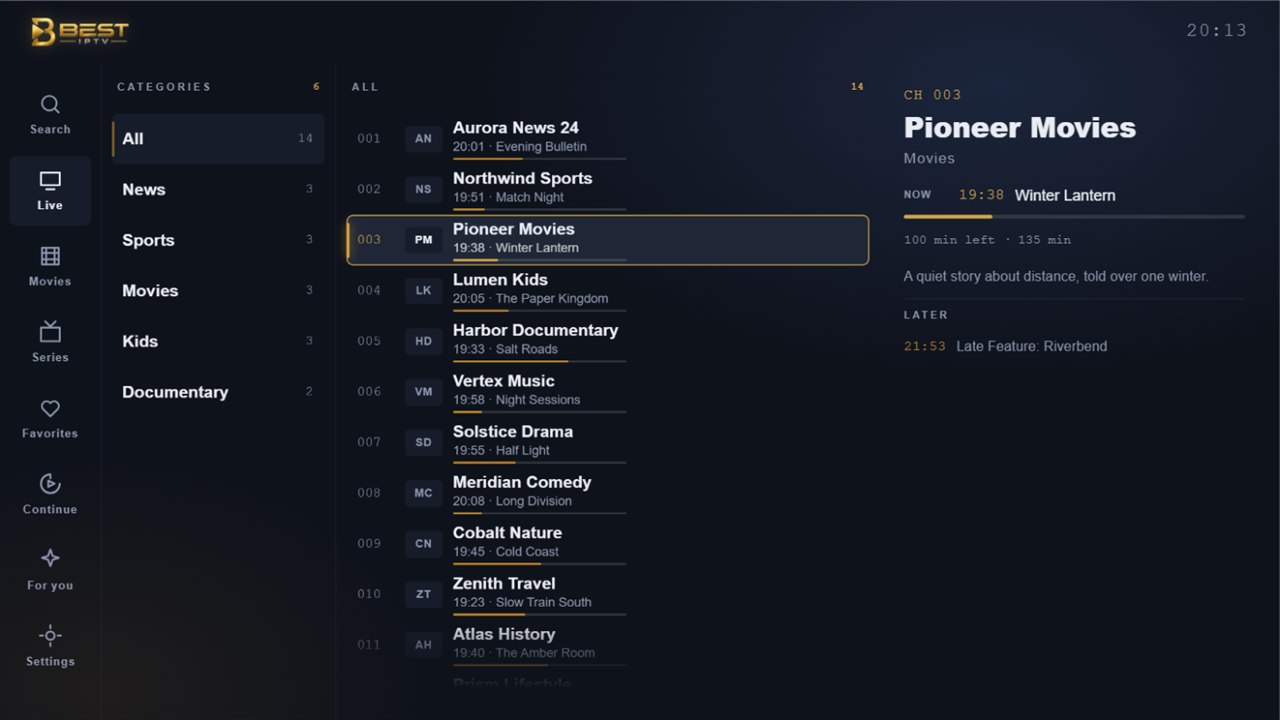
Screenshots from the app · channel, programme and title names are fictional
What it does
Built for a remote control rather than a mouse, and for a screen you look at from across the room.
See what is on now and what follows, from XMLTV or your Xtream account. Set a reminder from the guide and the television tells you when it starts.
Posters, plot and ratings where your playlist provides them. It resumes where you stopped, across both films and episodes.
Favourites, hidden channels and custom groups. Sort a group by hand and it stays that way next time.
Each person keeps their own favourites, history and recommendations on the same television.
A PIN and age-based category filtering. A locked category disappears from the lists rather than sitting there marked as blocked.
Scan a code on the television and type the address on your phone, instead of spelling it out with the remote.
The experience
A playlist is a flat list of thousands of entries. The app turns it into something you can move through.
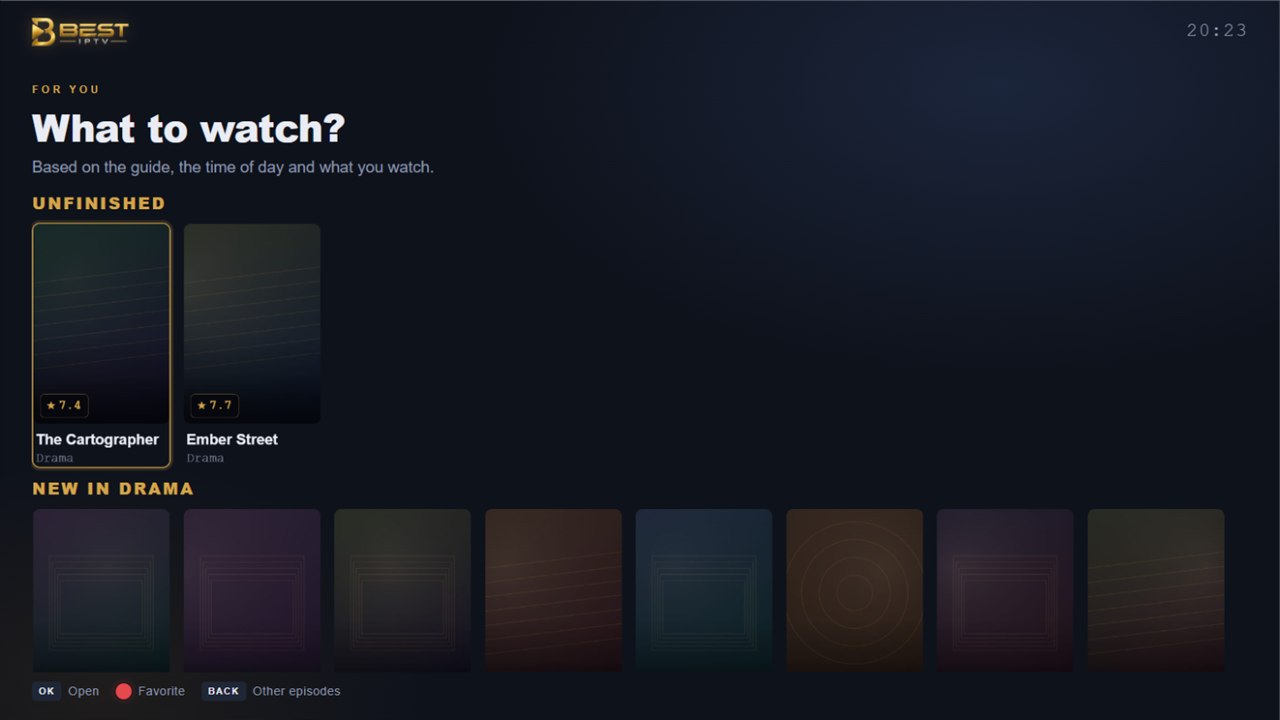
Screenshot from the app · titles are fictional
Privacy
Not a promise in a policy but a consequence of how the app is built. Every line below is a design decision you can check in the policy.
How it works
You bring the playlist. The app does the rest and remembers it.
An M3U address or an Xtream Codes account from your own provider. You need the right to access whatever it contains.
Type the address with the remote, or scan the pairing code with your phone and enter the details there.
Channels, guide, films and series appear in an interface made for the remote in your hand.
Where to get it
There is nothing to download from this website. Best IPTV Player is installed from the app store built into your Samsung television, like any other app on it.
Press the Home button on the remote and go to the Apps panel on your Samsung television.
Use the search in the Apps panel and look for Best IPTV Player.
Install it from the store the way you would any other app, then add your own playlist on first run.
The app has not been published yet — store certification is in progress. This page is updated as soon as it is live, and the store listing is linked here when there is one. No sign-up, no waiting list: there is nothing to collect from you in the meantime.
Questions
Important. Best IPTV Player is a media player only and does not provide any content. It is not affiliated with any content provider and does not endorse the use of illegal content sources. To watch anything, you must add your own playlists. Any paid upgrade unlocks application features only; it does not include, or provide access to, any channels, streams, or media content.
A better way to navigate the playlists you already have — installed straight from your television.
How to install